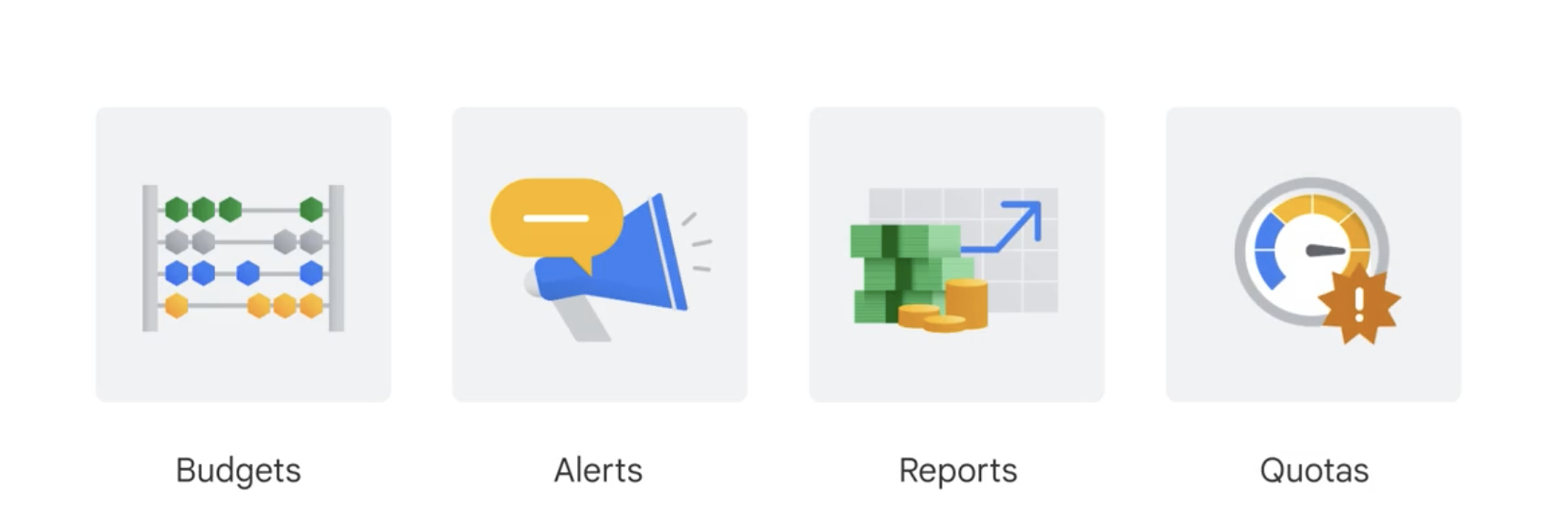
In Google Cloud, Billing is the system that helps you manage costs, payments, and budgets when using services on Google Cloud Platform (GCP), such as Compute Engine, BigQuery, Cloud Storage, and more. Below are the four most important components in Google Cloud Billing:
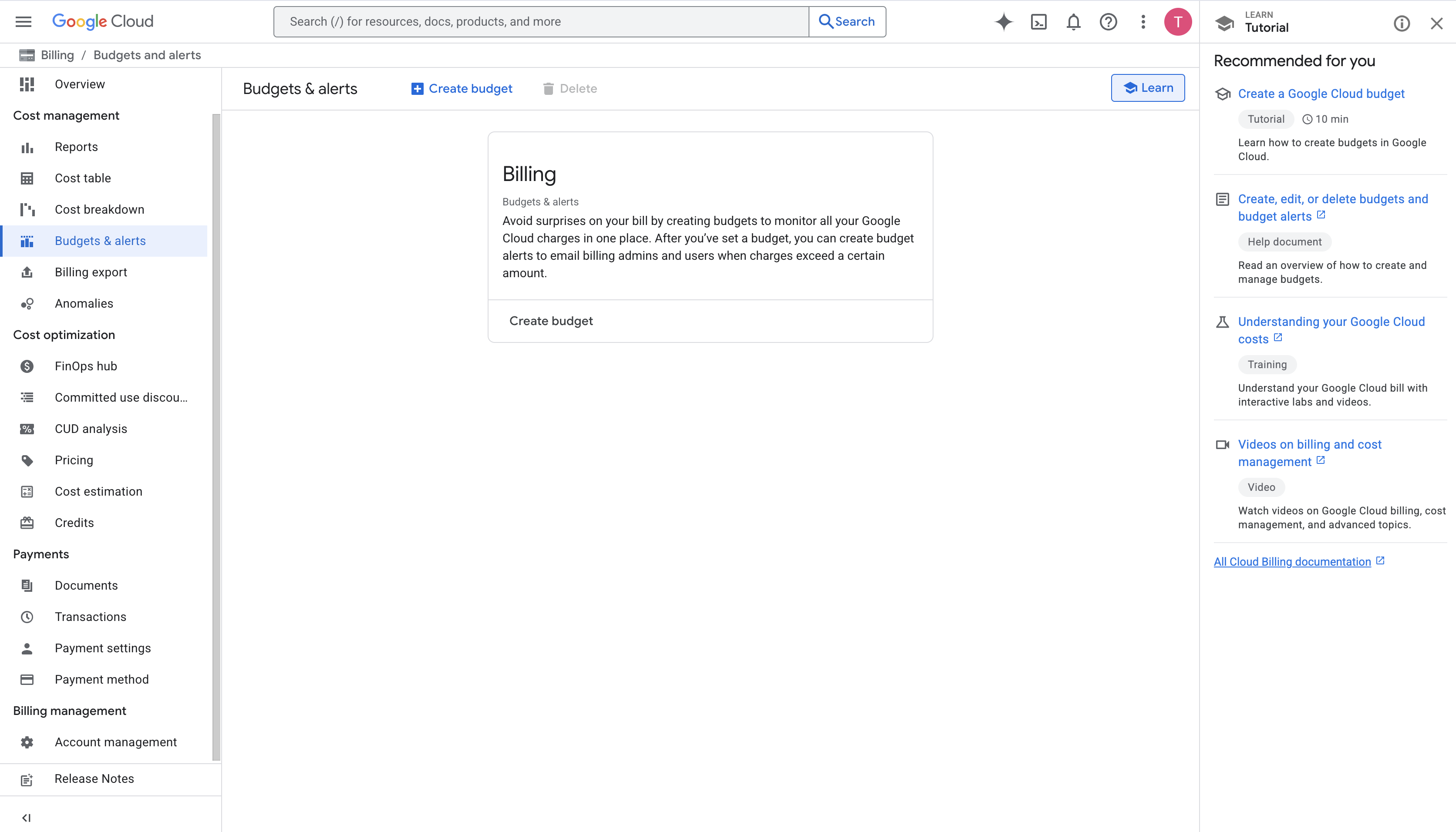
1. Budget
- Allows you to set a spending limit for a specific time period (e.g., month, quarter) for a project or billing account.
- Purpose: Avoid spending beyond your planned budget.
- Example: You’re building a backend for a crawling system running on GCP, using multiple VMs or Cloud Functions. To control cost, you set a $500/month budget to track your expenses.
2. Alert
- Alerts are automatically triggered when spending exceeds a defined percentage of the budget (e.g., 50%, 90%, 100%).
- Purpose: Notify you when costs spike unexpectedly — possibly due to a bug or misconfiguration.
- Example: If the cost of your backend on Cloud Run reaches 90% of the $500 budget, you’ll receive an email notification to take action.
3. Report
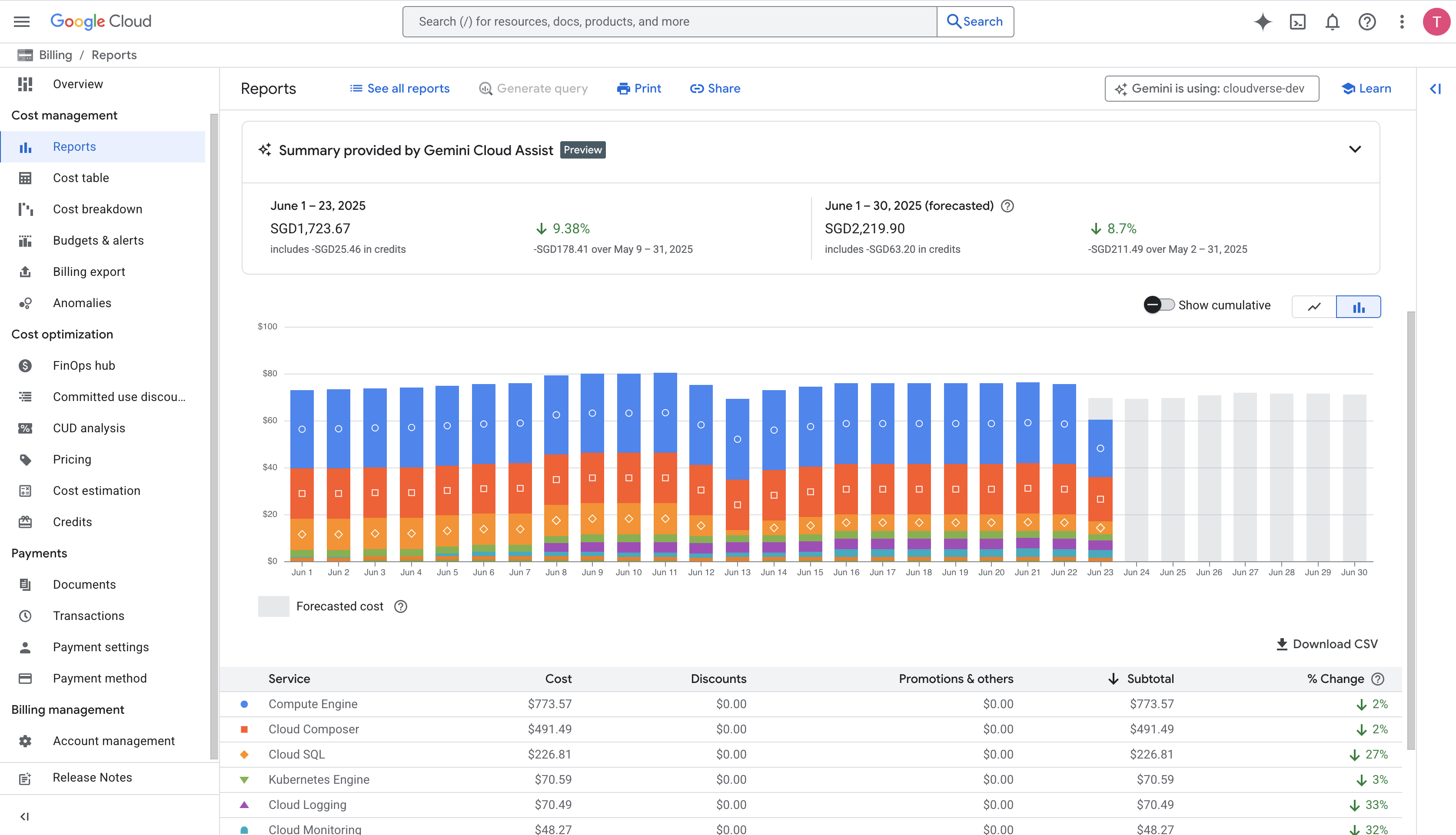
- A visual tool to analyze GCP spending over time, across services (e.g., Compute, BigQuery), projects, or by using labels.
- Purpose: Understand where your costs come from → optimize resource usage.
- Example: A report shows BigQuery is consuming 60% of your backend budget. You decide to add Redis caching to reduce query load → lower costs.
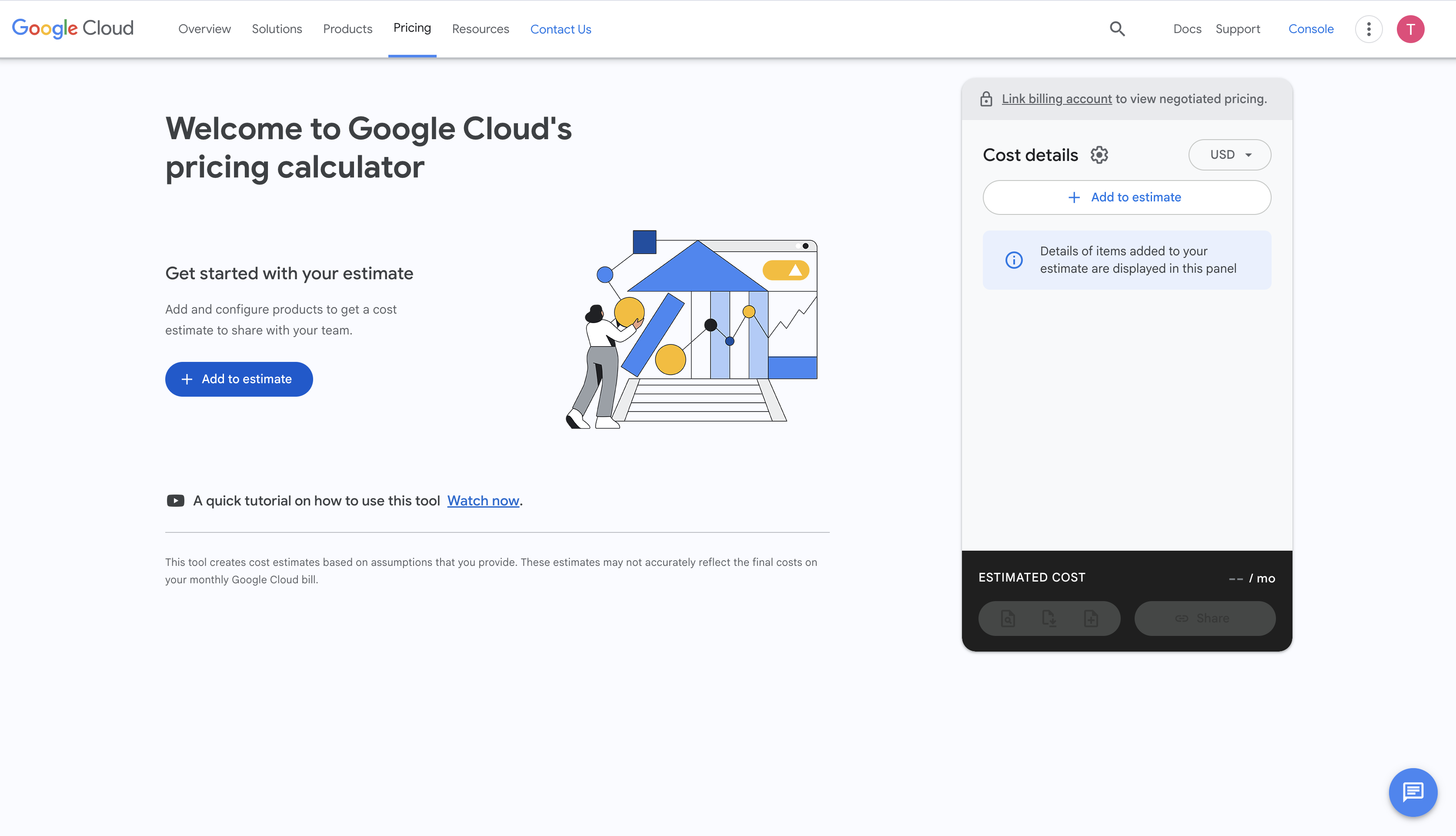
4. Quotes (Cost Estimation)
- Use the Google Cloud Pricing Calculator to estimate costs before deploying your system.
- Purpose: Plan finances in advance and report estimated spending to your manager or PM — avoid surprises when receiving the actual bill.
- Example: Before launching a backend with Cloud Run + Firestore, you use the calculator to estimate a cost of $200/month, based on expected request volume and traffic.